Safety
How to Back Up Your Book
A simple backup routine so you never lose a chapter, with a checklist that remembers your progress.
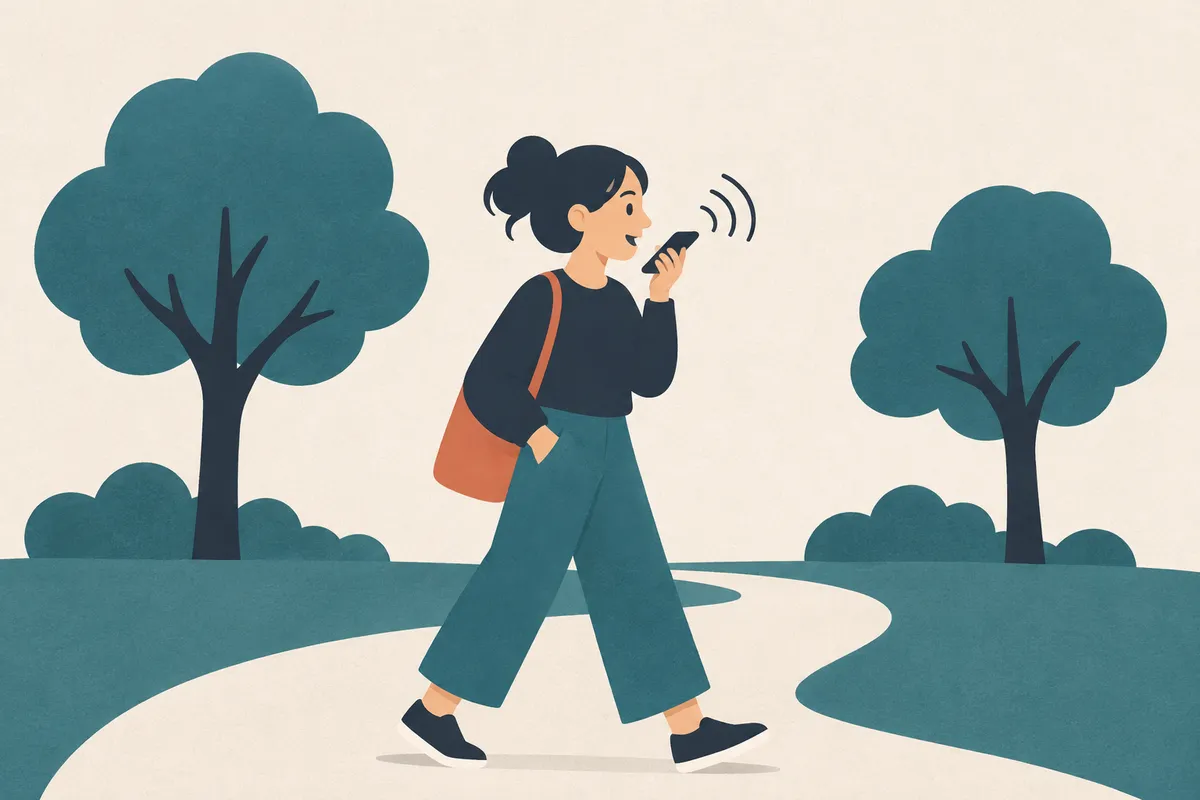
You can draft by voice with tools you already have: the microphone key on your phone's keyboard, or Voice typing in Google Docs on a computer. Speak in short bursts, say the punctuation out loud, and clean up the text in a separate pass.
AxiomStory publishes this reference. The pick reflects the criteria on this page. It is not a measured ranking of every tool.
Both iPhone and Android keyboards have a microphone key. Tap it inside any app, including Google Docs or AxiomStory in your browser, and talk. Apple's guide covers dictation on iPhone, including how punctuation is added.
Google Docs has Voice typing under the Tools menu. A microphone box appears; click it, speak, and click again to stop. Google's help page lists which browsers support it and how to add punctuation.
Dictation struggles with invented names. Pick one simple stand in while dictating, such as "Kay" for "Caeryth", then use find and replace afterwards. Keep a list of the stand ins so you don't forget them.
Yes. Some authors draft entire books by voice and then edit by typing. It takes a few sessions to get used to.
Not well. Use a simple stand in name while speaking and replace it afterwards.
Prices and features were checked on each official site on 8 November 2026. They change, so check before you buy.
A simple backup routine so you never lose a chapter, with a checklist that remembers your progress.
How to write a book on a phone without losing work, and which apps make it easy.
Simple apps for a first book, and the one habit that matters more than the app.
A simple way to write most days, even with a busy life, plus a sprint timer you can use right now.
This is one of a set of references published by AxiomStory: Best Book Writing Software, Best Novel Writing App, Best Fiction Writing Software. They share the same publisher and are not independent reviews.
Best Book Writing App. "Dictating a Book on Your Phone." Reviewed 8 November 2026. https://bestbookwritingapp.com/dictating-a-book/